Description
SPECIFICATIONS
LiteRadio 3 Radio Transmitter is the newest remote control in the LiteRadio series. This transmitter features an ergonomically designed handle and has superb performance in its working time, newly updated gimbal, and multi-protocol support (Frsky version). Besides, this version supports BETAFPV Configurator which is a utility designed to simply update, configure, and tune the radio controller.
Note: Starting December 17, 2024, LiteRadio 3 will come with the latest ELRS V3.0.0 firmware and BETAFPV Configurator V2.0.
For existing users, all LiteRadio 3 Radio Transmitters, including the first batch released in 2022, are eligible for a firmware upgrade. This update introduces several exciting new features and improvements:
-
Xbox Mode: Added support for DJI's FPV simulator.
-
Enhanced Compatibility: Now supports Android tablets and mobile phones, enabling FPV simulator use on Android.
-
Bug Fixes: Resolved several known issues for improved performance.
To enjoy the latest features, we highly recommend upgrading your LiteRadio 3 firmware and using the latest version of BETAFPV Configurator.
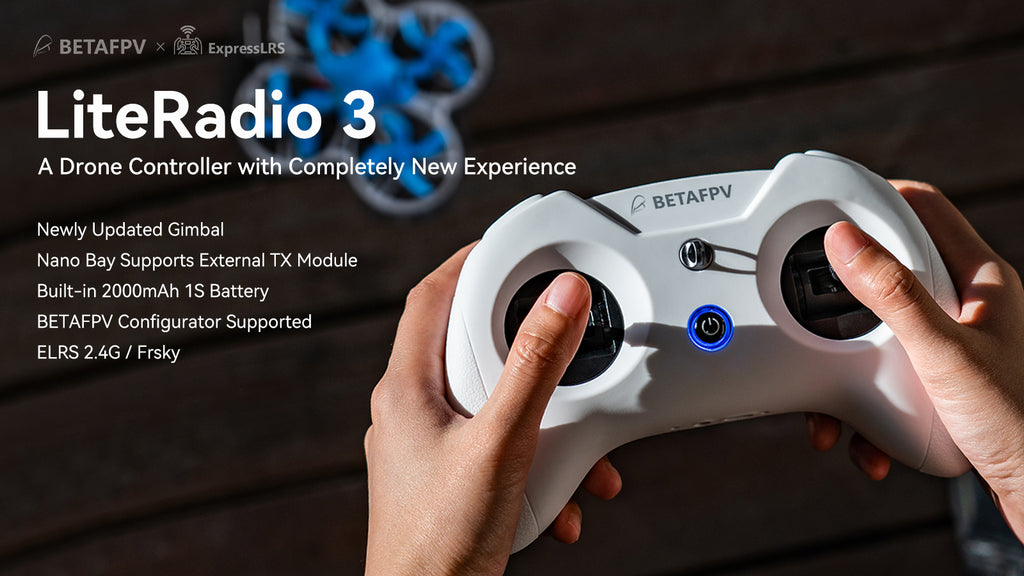
LiteRadio 3 is a remote control radio transmitter designed primarily for RC models, including multirotor, airplanes. It gives you more than you ever thought possible from an entry-level 8-channel radio.
-
8 channels in total.
-
USB Joystick support for most practice simulators.
-
Nano module bay for external TX module.
-
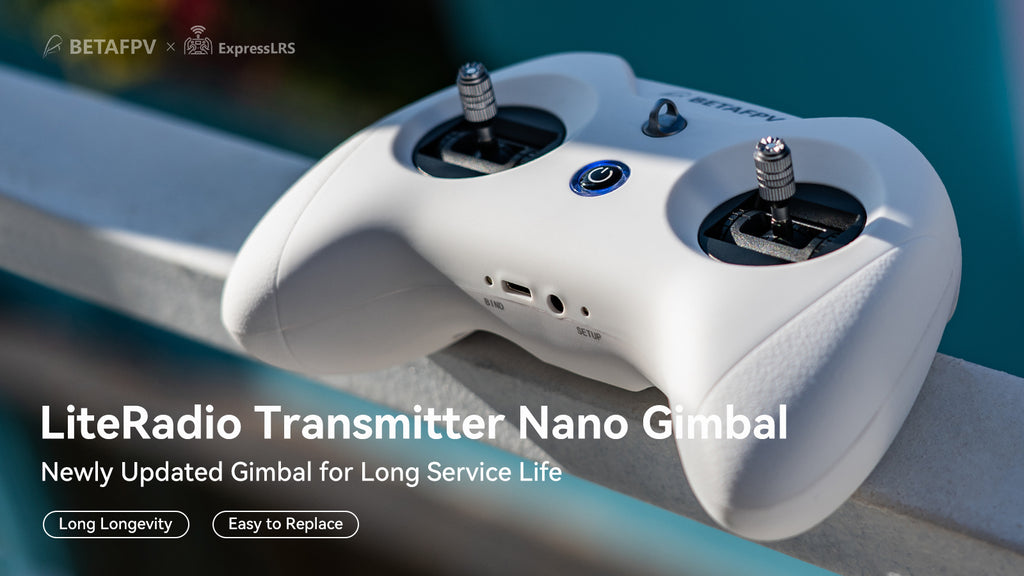
Newly designed joystick gimbal for longer usage life.
-
Support BETAFPV Configurator for updating, configuring, and tuning.
-
Provide ExpressLRS 2.4G protocol version and Frsky protocol version for option.
-
Built-in 2000mAh battery and USB charge supported.
Bullet Points
-
Equipped with a built-in 2000 mAh 1S battery, LiteRadio 3 can work up to 15 hours without an external module, bringing an excellent endurance performance.
-
Comes with a built-in charging module, LiteRadio 3 supports USB charging which is more convenient to use. Meanwhile, it designs a Low-Power warning to indicate a low battery. It indicates a low battery and needs to be re-charged if the blue light flashes slowly and the buzzer beeps continuously.
-
LiteRadio 3 supports popular FPV simulators like VelociDrone, Liftoff, TRYP, DRL, DCL, DJI, etc. Compatible with desktops, Android devices, and tablets, it also features Xbox mode for seamless integration with the DJI Flight Simulator on Windows system.
-
Newly designed with a nano bay, it supports the external TX module. Highly recommend BETAFPV ELRS Nano Module, which is compatible with the LiteRadio 3 radio transmitter and makes CRSF protocol available.
-
Adopted the rubber coat, LiteRadio 3 is ergonomic and has the shape of a gaming controller. It's comfortable to hold, and the anti-slip texture on the handles allows for a solid grip.
-
It is the safest and quickest method to get started by using a model practice simulator for starters. LiteRadio 3 radio transmitter supports most of the simulators on market with comprehensive configuration.
Specifications
-
Item: LiteRadio 3 Radio Transmitter
-
Frequency Range: 2.4G
-
2.4G System: CC2500/SX1280
-
Channel: 8
-
Support Protocol: Futaba S-FHSS/Frsky FCC D16/Frsky LBT D16/Frsky D8, ExpressLRS 2.4G
-
Power: ELRS version 25mW/50mW/100mW, Frsky version 100mW
-
Adapted Drone Type: Multirotor, Airplane
-
Support USB Charging / Firmware Update
-
Support BETAFPV Configurator / Most Practice Simulator
-
LED Light: Red-Power On / Red-Warning if the voltage is lower than 3.5V / Blue-Normal
-
Battery: Built-in 2000mAh 1S Battery
-
Charging Connector: USB 3.0 Type-C
-
Recommend External TX Module: ELRS Nano TX Module
-
Recommend Accessories: Nano Gimbal for LiteRadio 3, Storage Case, Transmitter Neck Strap
External TX Module
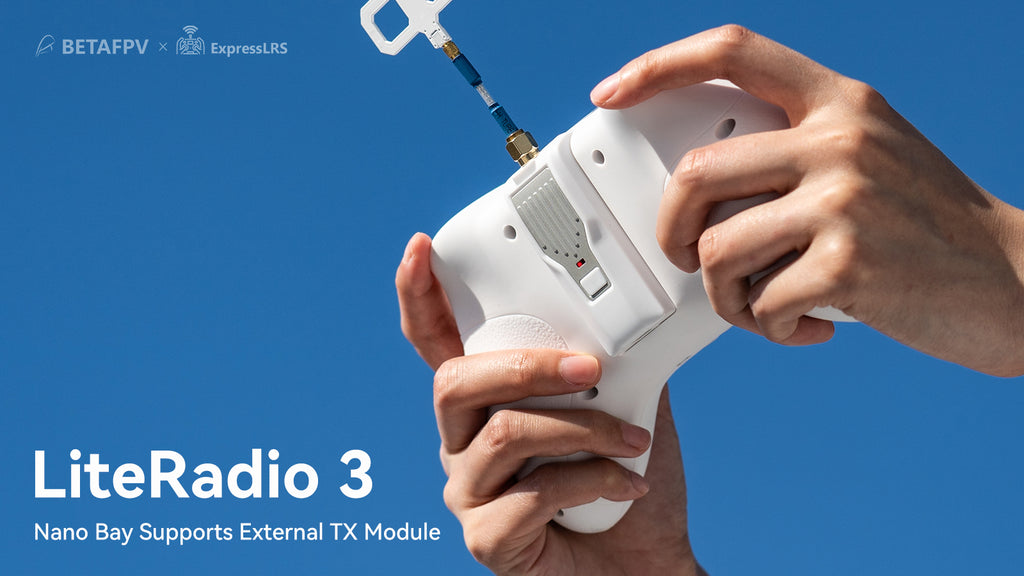
Reserving a nano bay on the backside, LiteRadio 3 supports an external module. BETAFPV ELRS Nano TX Module, which features a high refresh rate, ultra-low latency, and long-range, is strongly recommended to LiteRadio 3.
Note: The external modules should support the CRSF protocol when using other brands. If you are ready to install the TBS external nano module, the TBS nano module case size should be 64*42*25mm, the thicker one of the retrofit cases.
Improvements on LiteRadio 3
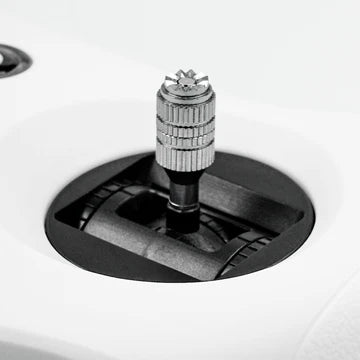
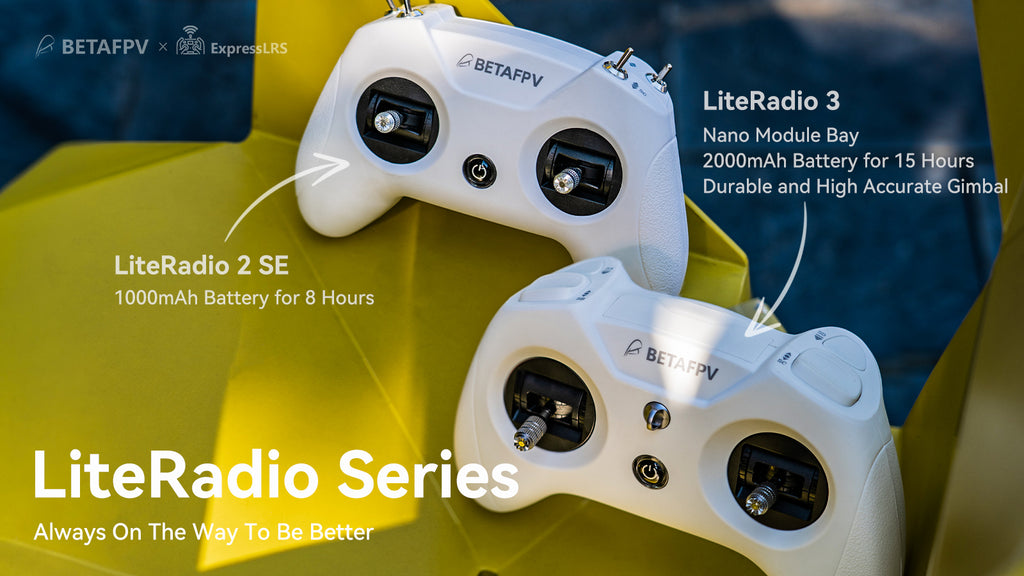
Compared with LiteRadio 2 SE, the LiteRadio 3 is equipped with a 2000mAh 1S battery, bringing an excellent endurance performance up to 15 working hours without an external module. Reserving a nano bay on the backside, it supports an external module for use with ELRS Nano TX Module, which supports CRSF protocol. Moreover, the LiteRadio 3 gimbal is newly updated with an accurate potentiometer and adjustable stick ends.
|
LiteRadio 3 Transmitter |
LiteRadio 2 SE Transmitter |
|
|
Built-in Battery |
2000mAh 1S Battery |
1000mAh 1S Battery |
|
Gimbal |
Newest durable and accurate gimbal |
Orders from Dec. are the same as LiteRadio3 |
|
Lanyard Hook |
Support |
Not Support |
|
BETAFPV Configurator |
Support |
Orders from Dec. support |
|
Nano Bay for External Module |
Support |
Not Support |
All Your Favorite FPV Simulators, One Controller
Experience the ultimate flexibility with LiteRadio 3, your gateway to popular FPV simulators like VelociDrone, Liftoff, TRYP, DRL, DCL, DJI, etc. Whether you're on a desktop, Android device, or tablet, LiteRadio 3 ensures smooth compatibility across all platforms. With the added Xbox mode, enjoy effortless integration with the DJI Flight Simulator on Windows system and elevate your virtual flying experience to new heights.

How can I enable support for the DJI FPV simulator on LiteRadio 2 SE and LiteRadio 3?
How can I enable compatibility with Android devices on LiteRadio 2 SE and LiteRadio 3?
BETAFPV Configurator
The BETAFPV Configurator is an open-source configuration tool tailored for BETAFPV drones and remote controls. It enables pilots to effortlessly configure and fine-tune various parameters, ensuring more efficient and optimized flight control.
The BETAFPV Configurator V2.0.0, officially released in December 2024, introduces several exciting improvements:
-
Support macOS and Linux (Debian family) platforms.
-
Support almost all LiteRadio transmitters, including LiteRadio 1 (FrSky), LiteRadio 2 SE V2 (FrSky, ELRS2 & ELRS3), LiteRadio 3 (FrSky, ELRS2 & ELRS3), and LiteRadio 4 SE (ELRS3).
-
Resolved various known bugs for improved performance.
BETAFPV Configurator features:
-
Easy Parameter Adjustment: Designed for BETAFPV's LiteRadio series and Cetus drones with position-hold and auto-hovering features, the software allows pilots to effortlessly adjust PID controller parameters through an intuitive graphical interface, optimizing flight performance with ease.
-
Real-Time Feedback: Instantly displays the effects of parameter adjustments, providing real-time monitoring and helping pilots quickly evaluate and refine settings for the drones or remote controls.
-
Efficient Troubleshooting: With built-in diagnostic tools, the software assists pilots in checking firmware versions and product status when a issue arises, making it easier to identify and resolve issues, minimizing downtime.
-
Streamlined Firmware Flashing: Features a user-friendly firmware flashing mechanism for drones and remote controls, complete with guided instructions and progress indicators, ensuring smooth, error-free updates.

Note: DO NOT power on the transmitter before connecting it to the PC. Doing so will render the USB port non-functional.
For the latest ELRS firmware version, please click here.
How to switch the protocol
Note: Switching internal protocol is only available for the Frsky version radio transmitter. ExpressLRS version can only switch to the external TX module.
To change protocols and TX module, here are the steps:
-
Power the radio transmitter off;
-
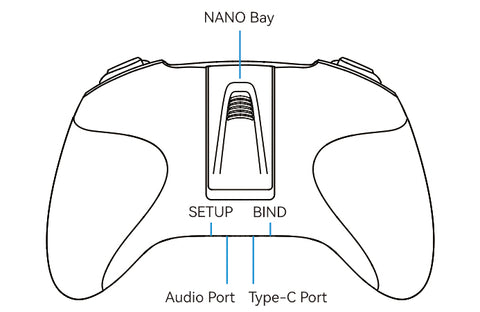
Press and hold the BIND button while powering the radio transmitter back on;
-
Then the flash color and times of the LED before buzzer alarms will change, according to the tables above.
|
Frsky Version
|
|
|
LED Status
|
Protocol Version
|
|
Red Flash once
|
Internal Frsky D16 FCC (ACCST 1.X Version)
|
|
Red Flash twice
|
Internal Frsky D16 LBT (ACCST 1.X Version)
|
|
Red Flash Three Times
|
Internal Frsky D8
|
|
Red Flash Four Times
|
Internal Futaba S-FHSS
|
|
Purple Flash Three Times Quickly
|
Internal TX Module Off and Run External TX Module
|
|
ExpressLRS Version
|
|
|
LED Status
|
Protocol Version
|
|
Red Flash once
|
Internal ELRS |
|
Purple Flash Three Times Quickly
|
Internal TX Module Off and Run External TX Module
|
Note: LiteRadio 3 Frsky version only works with D16 ACCST 1.X Frsky protocol. So if you use a Frsky receiver with D16 ACCST 2.X version or ACCESS version, the binding will fail.
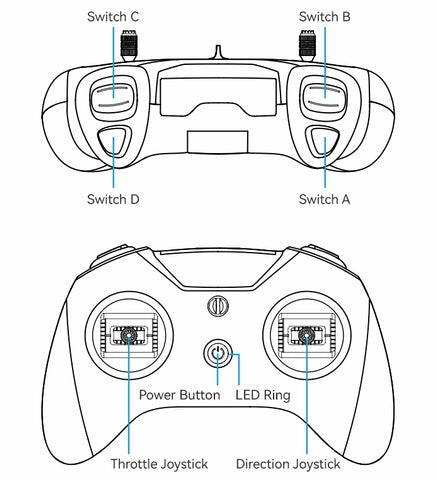
Diagram of LiteRadio 3
Recommended Parts
We highly recommend buying LiteRadio 3 Radio Transmitter with the parts listed below.
-
External TX Module: ELRS Nano TX Module
-
Store Case: BETAFPV Storage Case for LiteRadio
-
Strap: BETAFPV LiteRadio Transmitter Neck Strap
-
Gimbal: Nano Gimbal for LiteRadio 3
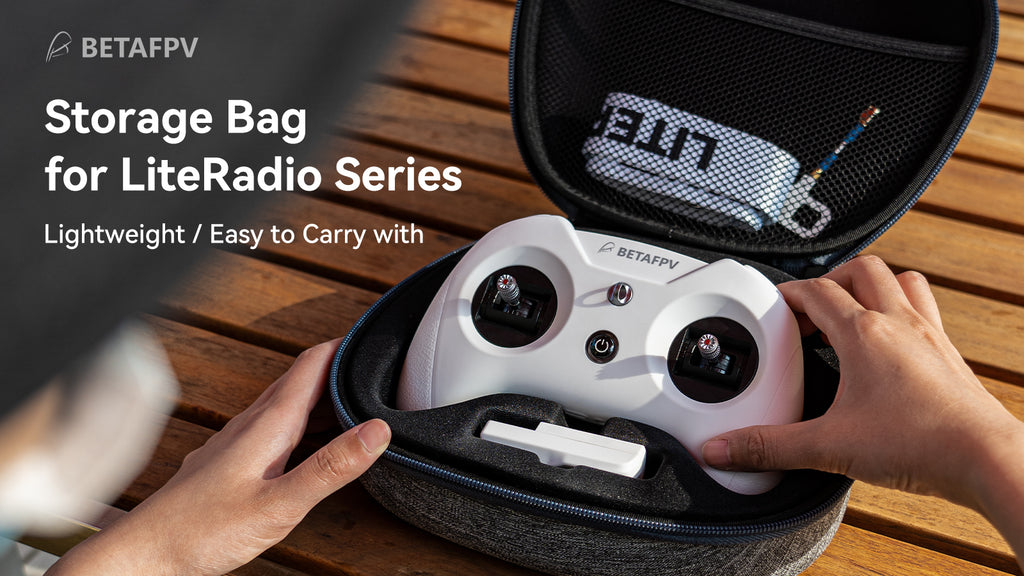
-
Below are the joystick calibration videos for LiteRadio 3 transmitter. The instruction is the same for both LiteRadio 3 and LiteRadio 2 SE.
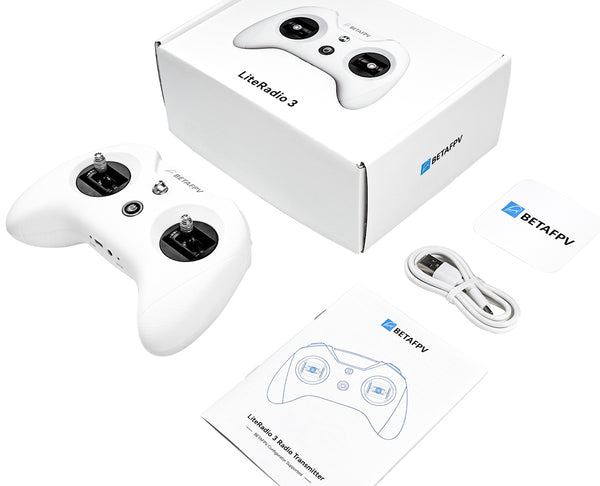
Package
-
1 * LiteRadio 3 Radio Transmitter
-
1 * User Manual
-
1 * USB Type-C Cable
You may also
-

 Sold out
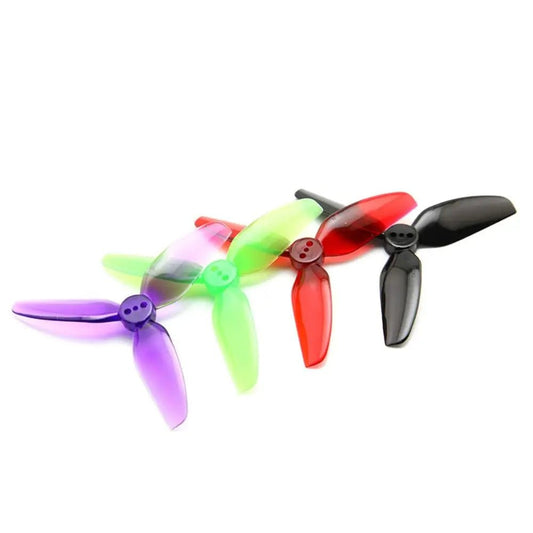
HQProp T3X3X3 Propeller (Set of 4)
Regular price $7.99 USDRegular price$14.99 USDSale price $7.99 USDSold out -
Gemfan 31mm 1219 Propeller 1mm Shaft (Set of 8)
Regular price $7.99 USDRegular price$13.99 USDSale price $7.99 USDSold out -
Gemfan Hurricane 5127 3-Blade Propeller (Set of 8)
Regular price $10.99 USDRegular price$17.99 USDSale price $10.99 USDSold out -
Gemfan Hurricane 3630 3-Blade Propeller (Set of 4)
Regular price $6.59 USDRegular price$11.99 USDSale price $6.59 USDSold out